
Setup on WooCommerce
You can easily add EukaPay payments to your WooCommerce site by following the steps below.
- Install and activate the EukaPay WooCommerce payment plugin
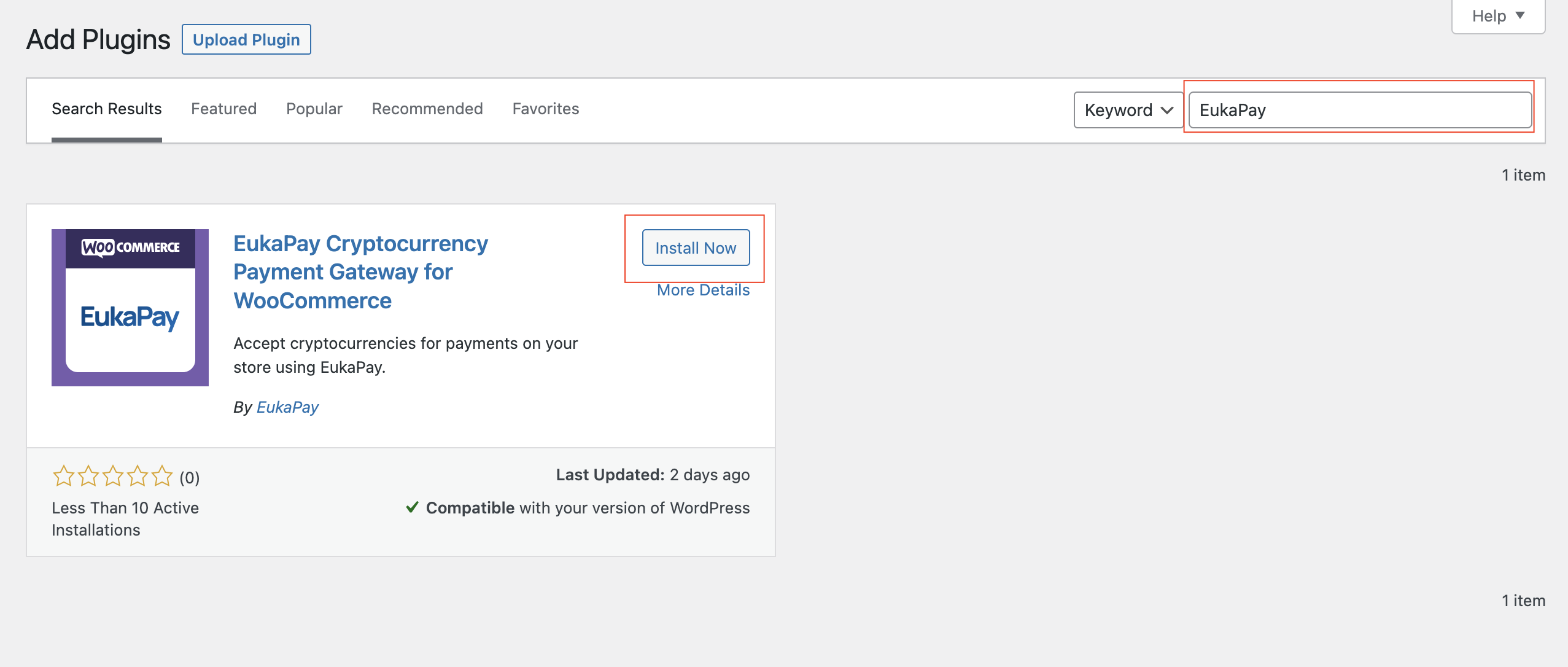
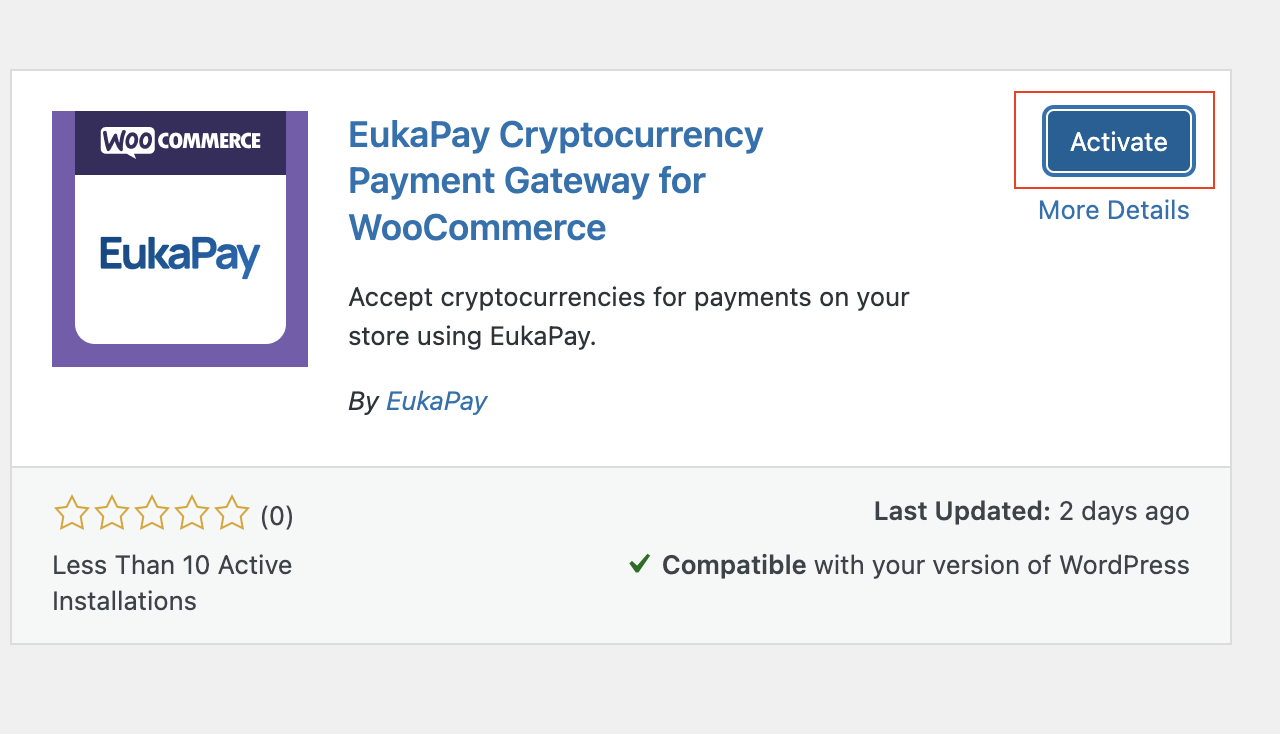
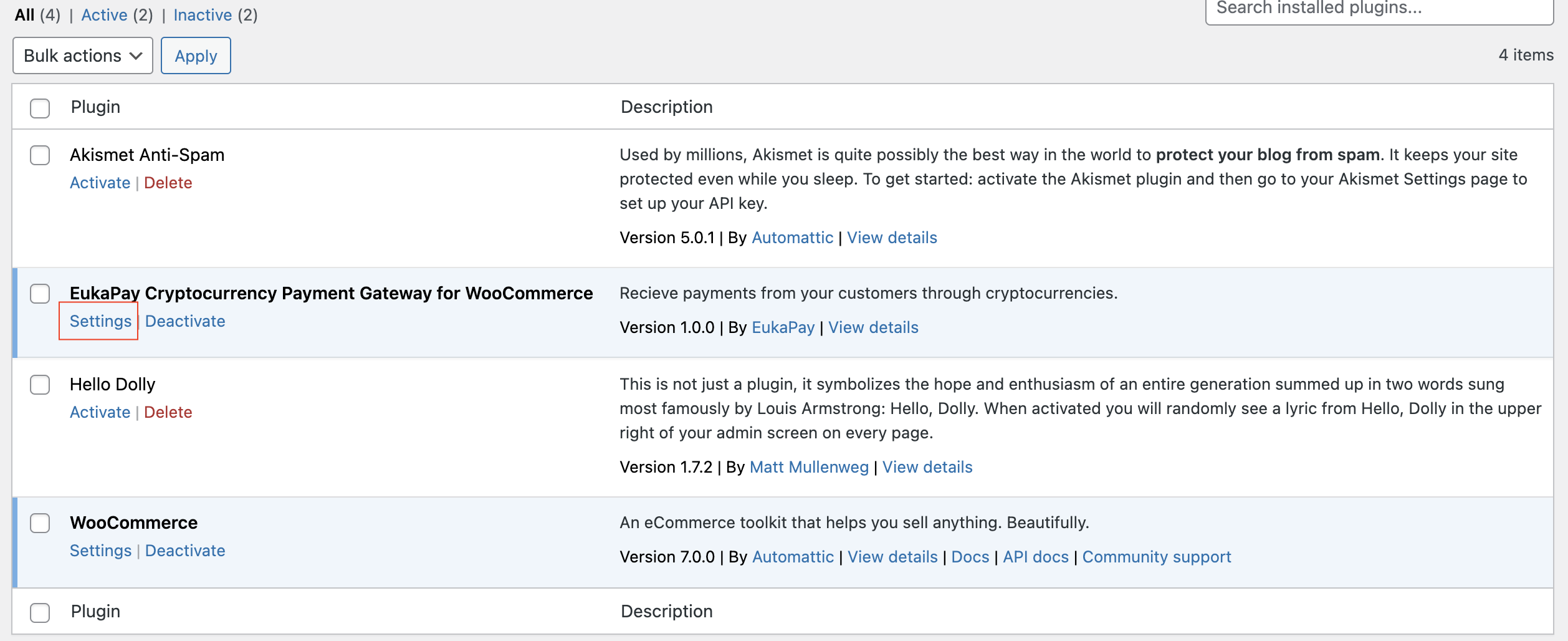
- On the plugins list, click on settings to load the settings page
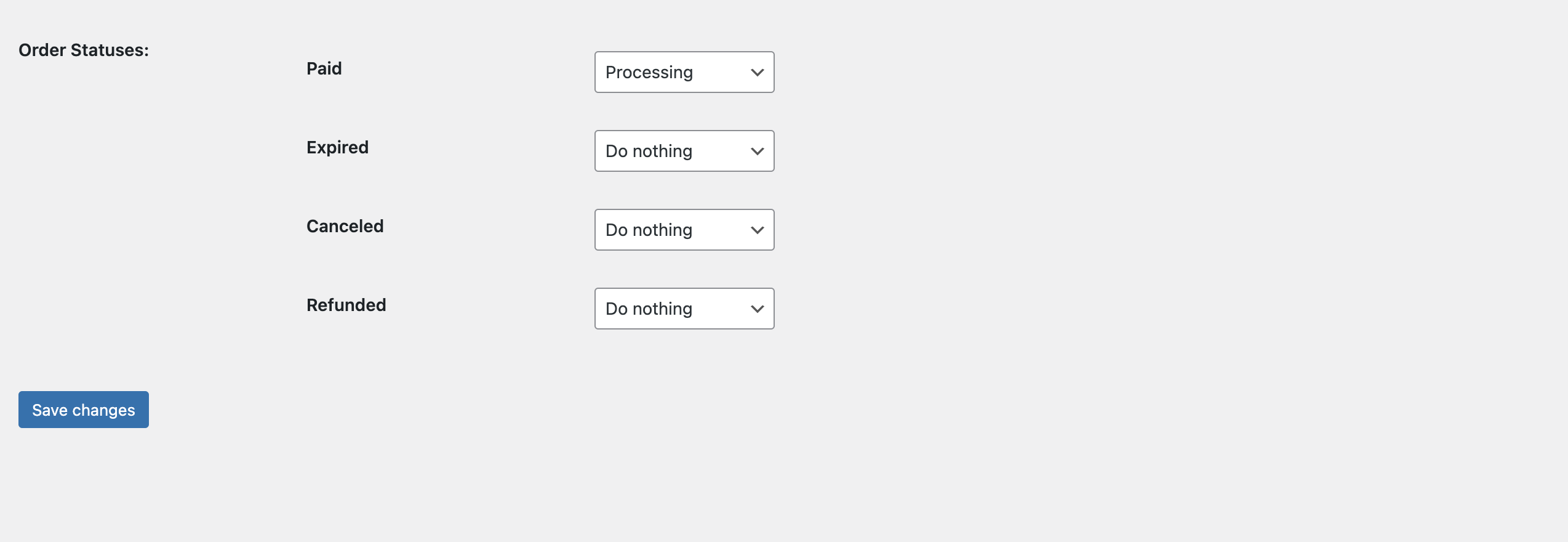
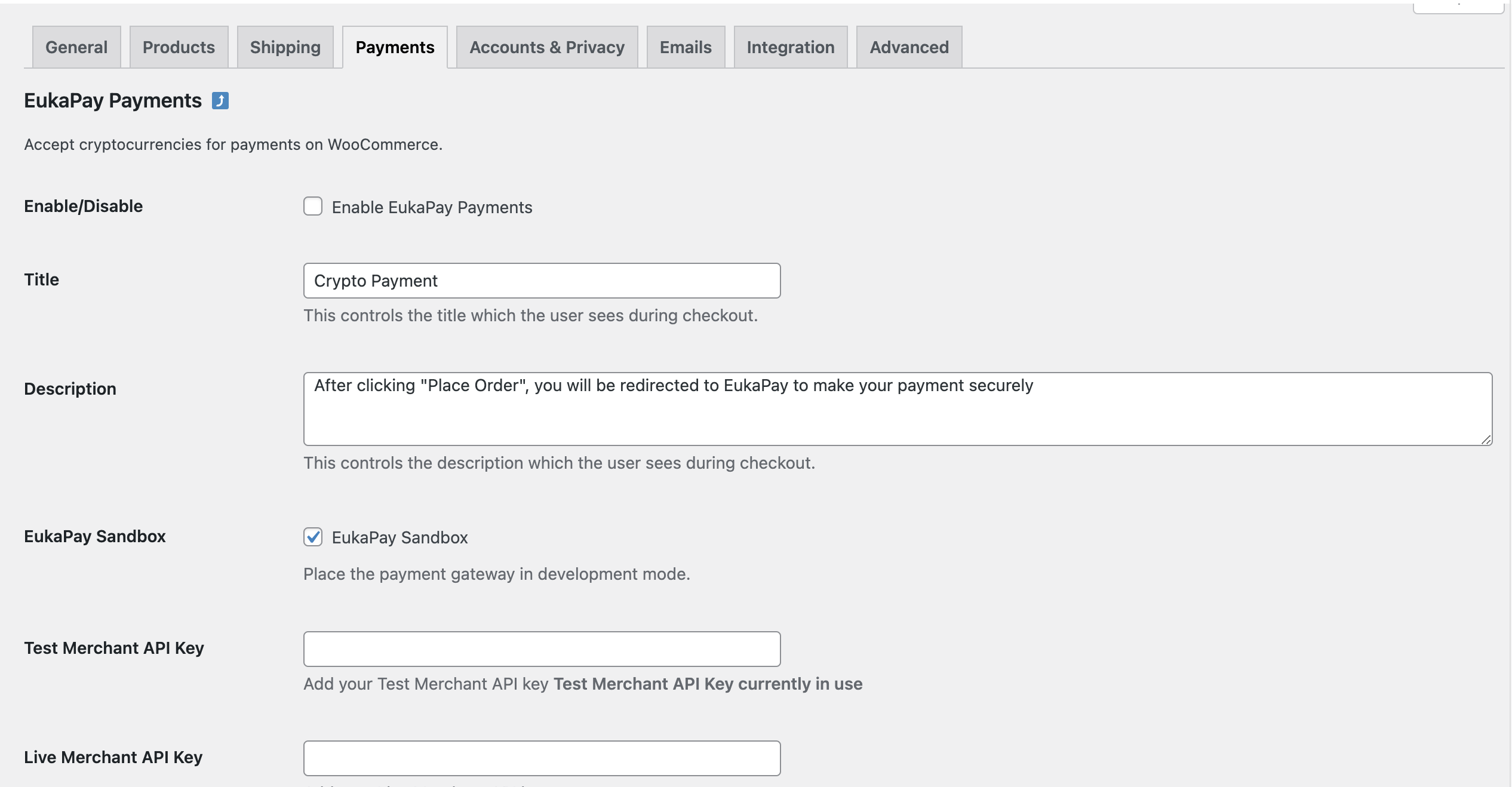
- Fill in required details on the settings page and save changes
- Enable/Disable: Check to enable EukaPay Payments.
- Title: You can optionally change the title your customers see
- Description: You can optionally change the description your customers see
- EukaPay Sandbox: Check for testing, uncheck when ready to start receiving real payments
- Test Merchant API Key: API key must be added if in test/sandbox mode
- Live Merchant API Key: API key must be added if not in test/sandbox mode. Obtain key at https://app.eukapay.com
- Order Statuses: You can specify order statuses as may be required
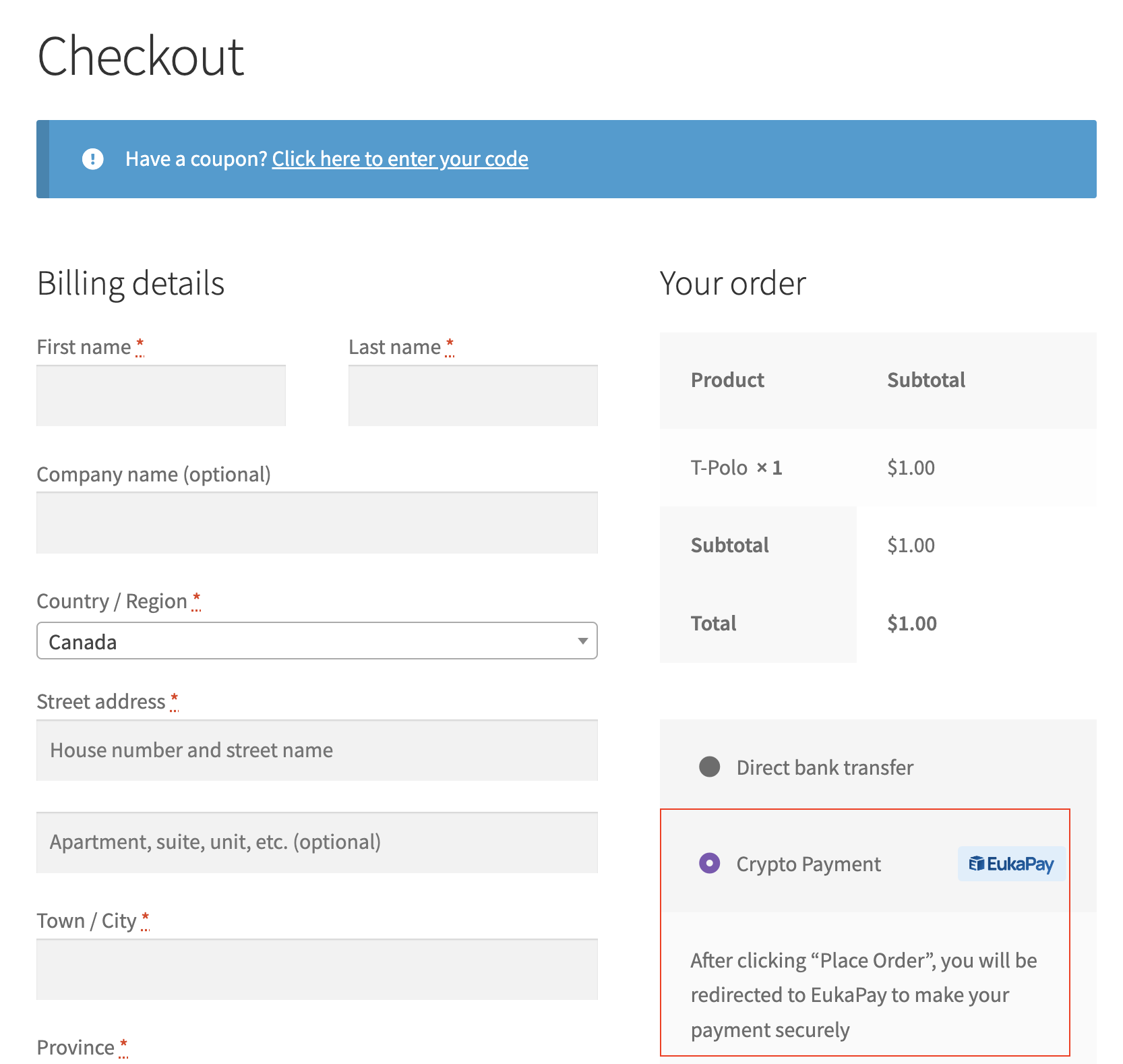
If all goes well, EukaPay payments should be listed alongside other payment options on the checkout page.
Updated about 1 month ago